

Figma + AI + MCP: How We Design Products Faster.
If you've been following the design world lately, you've probably noticed a lot of buzz around AI-powered design tools. Figma has AI features now. There's something called MCP. People are talking about "design agents." And if you're a founder or product manager trying to make sense of it all - this article is for you.
We'll break down what's actually changed, how we use these tools at Mood Up, and why despite all the automation the designer's role has never been more important.
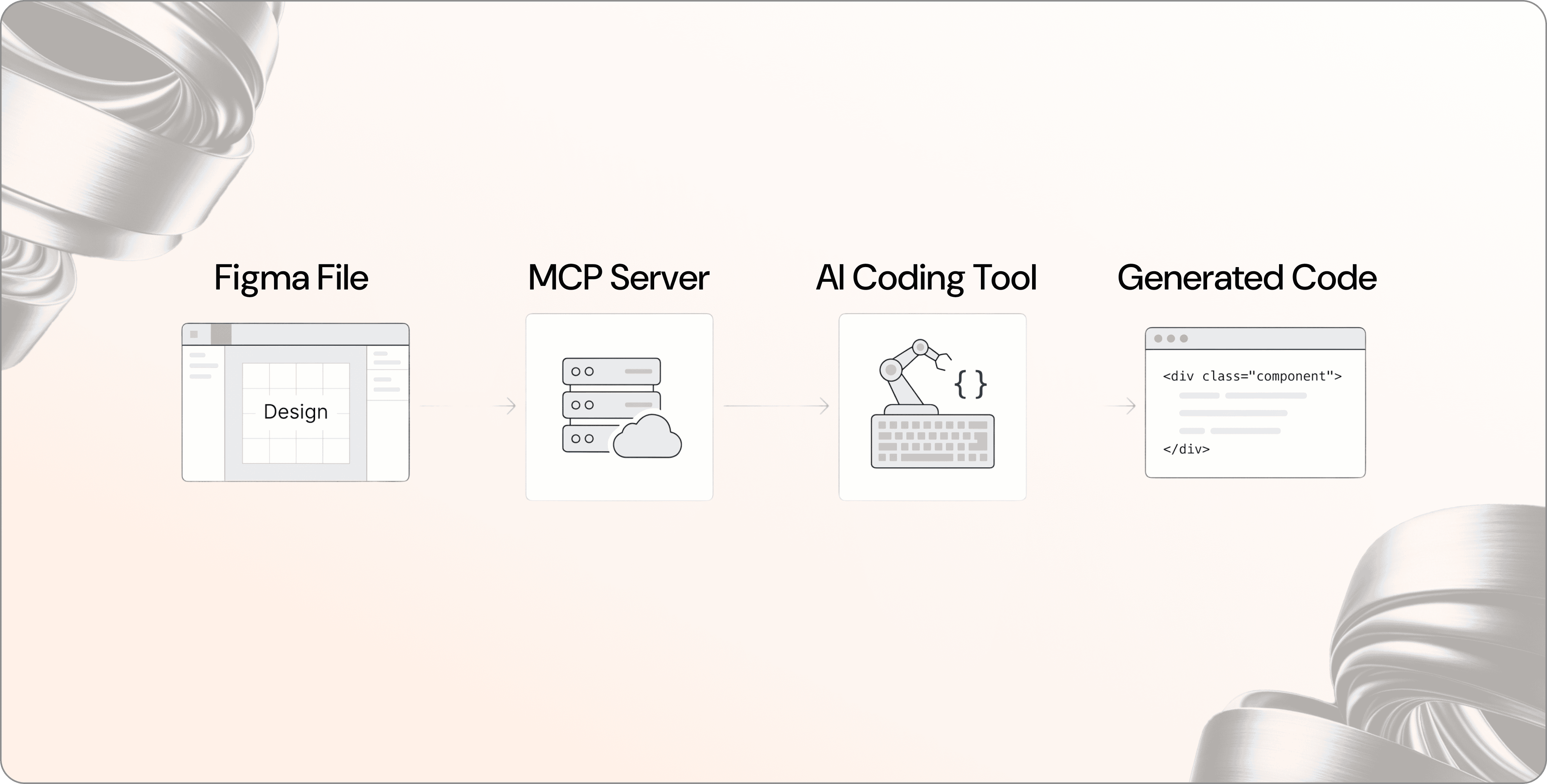
First, what even is MCP?
MCP stands for Model Context Protocol. Think of it as a universal connector, a standard that lets AI tools (like Claude or Cursor) plug directly into other software and actually understand what's inside them.
In plain English: instead of an AI guessing what your design looks like based on a screenshot, it can now read the actual structure of your Figma file: the components, the tokens, the spacing rules, the logic. It's the difference between showing someone a photo of a house and handing them the architectural blueprints.
Figma released its own MCP server, which means AI coding assistants can now generate code that's genuinely informed by your design system not just a rough approximation of it.
What does this look like in practice?
Here's a real example of how the workflow has shifted.
Before: A designer finishes a screen in Figma. A developer opens it, inspects the elements manually, and writes code trying to match what they see. There's back-and-forth. Things get lost in translation. "That button padding looks off." "That font weight isn't quite right."
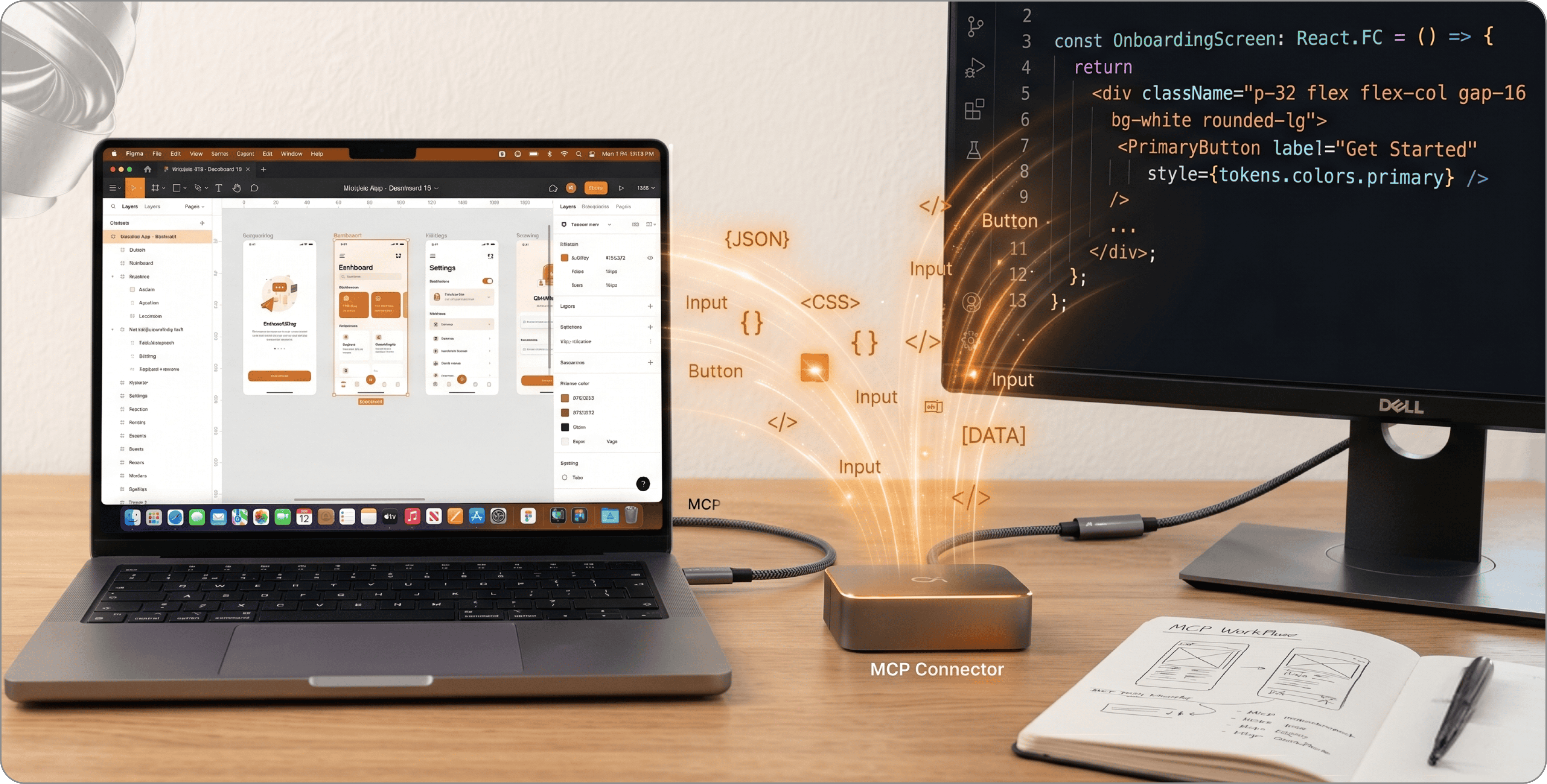
Now: With Figma's MCP server connected to a tool like Cursor, the developer's AI assistant can read the Figma file directly. It knows which component is which, what token is applied, what the spacing system looks like. The generated code is design-informed from the start.
The result? Fewer revision cycles. Faster handoff. Less "that's not what I designed."
And what about AI in design itself?
Figma also introduced Figma Make - a prompt-to-prototype tool that lets you describe a user flow in plain language and get an interactive prototype back. It's genuinely impressive for early exploration.
We use it for exactly that: quick exploration, ideation, showing a client three different directions before committing to one. It's like being able to sketch 10 ideas in the time it used to take to sketch 3.
But here's the thing nobody mentions in the hype articles:
Generating a design is easy. Generating the right design is the whole job.
A prompt can give you a layout. It can't tell you whether your onboarding flow will confuse a first-time user. It doesn't know your users' mental models. It hasn't read the research. It doesn't understand the business constraint you mentioned in a meeting two weeks ago.
That judgment - that's what a designer does.
So what's actually changed for us?
Things like:
- Setting up component structures in Figma
- Generating initial layout variations to discuss with a client
- Translating design specs into code during handoff
- Keeping design tokens consistent across a large project
These used to eat hours. Now they eat for a few minutes. Which means we spend more time on the things that actually matter: strategy, user flows, accessibility, the details that make a product feel good to use.
It's similar to how spreadsheets changed accounting. Accountants didn't disappear, but they stopped spending their days doing arithmetic by hand and started spending it on analysis and judgment.
What this means if you're building a product
If you're a company or a startup planning your next digital product, this is actually good news for you. The best software teams are now faster and more efficient than ever. You get more for your budget. Exploration is cheaper. Iteration is quicker.
But it also means the market is flooded with cheap-looking AI-generated interfaces. And users can tell the difference, maybe not consciously, but they feel it.
The question isn't "can AI design my product?" It's "what kind of product do I want to ship?"
The bottom line
AI and MCP have genuinely changed how we work at Moodup. We're faster, our handoffs are cleaner, and our prototyping process is more dynamic than it's ever been.
But the decisions: what to build, how it should feel, why users will care - those still come from people. From designers and developers who think about systems, who understand users, and who know the difference between a pretty screen and a product that actually works.
If you're curious how this looks in a real project, or want to understand what a modern product development process looks like - we're always happy to talk.
June 18, 2026 / Posted by:


